
BeaterCore Settings, Deadzone, and Scale
The drift is a slider. The hitch is a slider. Both hide in plain sight.
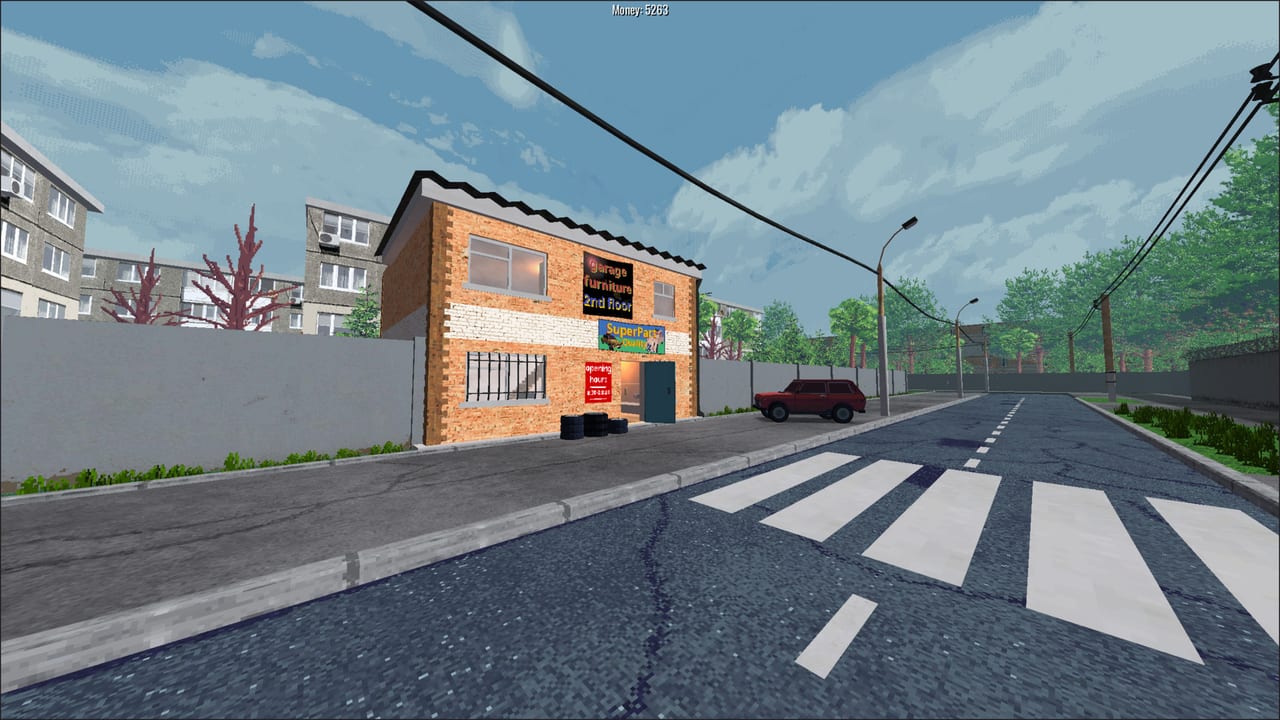
Two launch-week complaints sound like missing features. They are not. Analog stick drift has a deadzone and linearity panel. Low FPS on old GPUs has render scale and light quality. This page is the settings map so you stop refunding a game that already shipped the slider.
Binds and walking still live on controls. Specs and Intel HD notes live on system requirements. Come here when the car steers itself or the garage hitchs.
Analog properties (the tiny button)
Open settings. Find throttle, brakes, and steering. Next to those analog actions is a properties control. It is small. Several Steam discussions thought deadzone did not exist until someone pointed at that button.
Inside: deadzone and linearity for analog axes. Raise deadzone until a resting stick does not turn the wheel and the first-person camera does not creep in the garage. Set linearity so the first millimeters of stick are not a full lock.
Then save and stand still on foot. If the view still rotates, raise look deadzone too. Do this before a contact event. A drifting pad looks like a drifting chassis and will eat sidewalls you paid for in the auto parts store.
The 0.0.19-era input pass added this menu and moved the settings file off an older Ron format. If a YouTube from February says the option is missing, it is outdated. See patch notes.
DualShock and DualSense are listed USB-only on the store page. Wireless-only pads may simply fail to bind. Xbox pads are the safer plug-and-play. Keyboard remains first-class, including split-screen.
Render scale and light quality
Render scaling landed in the 0.1.1-era updates and is independent from the user interface. Drop the 3D scale without shrinking menus. That is the nuclear option that still looks like BeaterCore.
Light quality arrived with the 0.3.0 engine pass, alongside heavier changes to decal, car, and terrain pipelines. If dust and kicked rocks tank a 1 km lot, drop lights before you uninstall.
Order to try:
- Deadzone, so you are not diagnosing GPU with a bad pad.
- Render scale.
- Light quality.
- Fewer split-screen views.
- Only then blame the custom mod sculpt.
Steam Deck compatibility is unknown on the store page. Deadzone and render scale are the first two tests on handheld hardware. Do not assume Verified.
UI, volume, and “press any key”
Sliders show their values after 0.0.20. If a volume slider looks like a mute switch, look at the number. Gamepad volume sliders were fixed in 0.0.14.
“Press any key” prompts accept mouse clicks as well as keys. If a card looks frozen, click.
NPC dialogs gained scroll bars and UI sounds in 0.1.1. If a sponsorship pitch is cut off, scroll before you sign — sponsorships.
A five-minute settings pass
- Open analog properties. Set deadzone and linearity.
- Walk in the garage. Confirm the camera sleeps.
- Drop render scale if the lot hitchs when you pan.
- Drop light quality if dust is the tax.
- Rebind interact if E fights another tool.
- Cycle the trunk once so field repair is not a lottery.
When those six are done, go buy the spare. Settings do not finish heat three. They only stop you from losing a wheel to a ghost steer or a 20 FPS garage.
Frequently Asked Questions
Quick answers to the most common BeaterCore questions.
Where is stick deadzone in BeaterCore?
In the properties menu beside analog actions such as throttle, brakes, and steering. The button is small. Raise it until idle sticks stop turning.
Does render scale shrink the menus?
No. Render scaling is independent from the user interface. Drop 3D resolution without shrinking HUD text.
Steam Deck — any official rating?
Unknown on the store page. Test deadzone and render scale yourself. Details on system requirements.
My pad still drifts after deadzone.
Raise the value again, check look deadzone in first person, and confirm USB for DualShock/DualSense. Keyboard remains fully supported.